
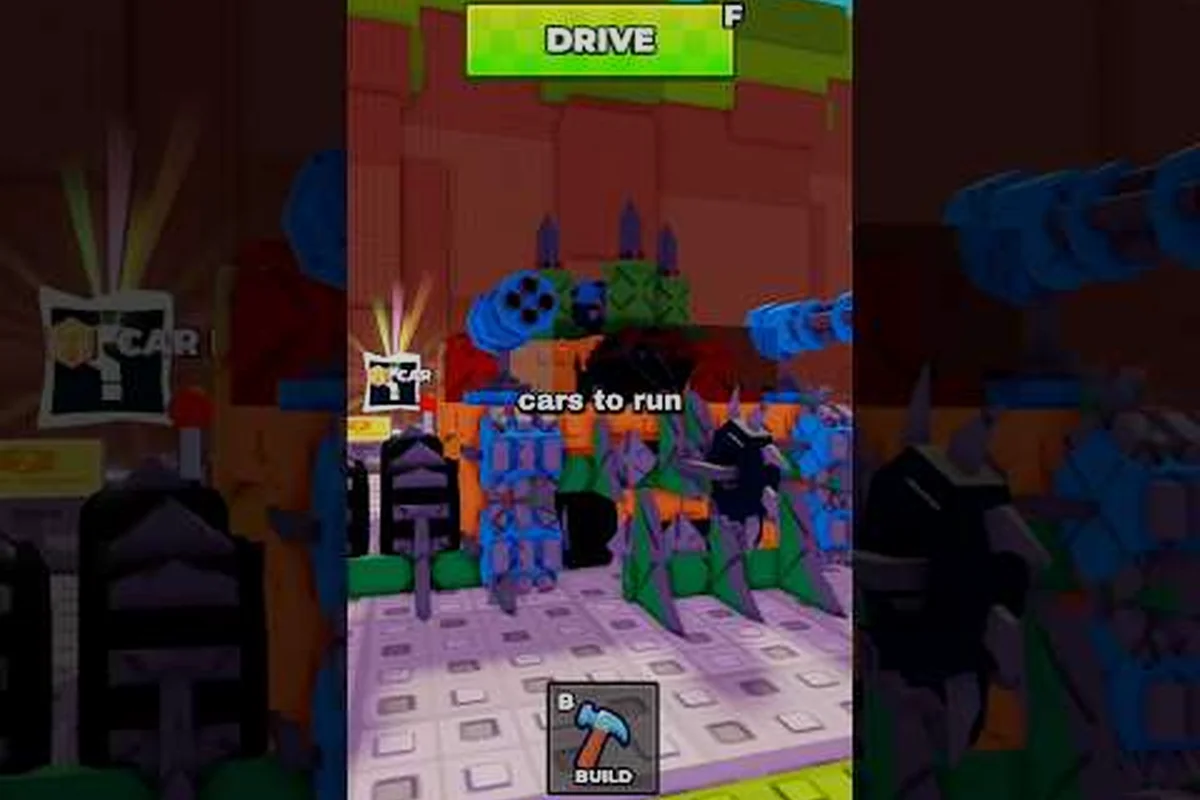
Build and Kill Zombies YouTube creators are the fastest way to track every patch, buff, and nerf this Roblox car-builder has shipped in 2026. The game updates aggressively, so if you only read patch notes you still miss stat changes the community reverse-engineers from in-game testing. YouTube bridges that gap with frame-by-frame damage tests, boss timer breakdowns, and roll-machine deep dives that turn raw numbers into a workable meta. This guide maps out the channel ecosystem, the buff/nerf coverage patterns to watch, and the stats that actually move tier lists.
The YouTube Ecosystem Around Build and Kill Zombies
The Build and Kill Zombies community is small but hyperactive on YouTube, and it skews toward gameplay-deep creators rather than lore channels. Because the developer has not launched a first-party YouTube presence yet (verified through the official social link audit, which confirmed no official channel exists), every piece of video coverage comes from independent creators and aggregator channels. That structure shapes the kind of build and kill zombies news you actually receive: it is patch-reactive, stat-driven, and almost entirely in English.
The biggest reference point right now is the VendoPlus full beginner walkthrough, which doubles as a soft baseline for how the game loop works. It is not a patch channel, but it is the most cited starting point for new players and a useful benchmark when you want to compare what "current meta" means at any given week.
Channel Types You Will See
| Channel Type | Typical Content | Why It Matters | Posting Cadence |
|---|---|---|---|
| Beginner walkthroughs | Lobby, rolls, first run | Sets the floor for new players | Low (evergreen) |
| Patch reactors | Day-one reaction to buffs/nerfs | Fastest build and kill zombies news | High after patches |
| Stat testers | Frame-perfect damage numbers | Source for build and kill zombies stats | Medium |
| Boss guide channels | King 1x1x1x1 phase-by-phase | Only place boss timers get parsed | Event-driven |
| Tier-list creators | Car + weapon ranking videos | Synthesizes buffs/nerfs into picks | Weekly |
Where Official News Actually Lives
According to the structured social-link audit, the developer surfaces announcements through the Roblox game page and the official Roblox group first, and pushes supplemental video to a small set of partner creators. This means build and kill zombies YouTube creators are not the source of truth; they are the first translation layer. The official group and the Roblox community feed post the raw change list, and the strongest YouTube channels translate that list into before/after stat comparisons within 24 hours.
Buffs and Nerfs: How YouTube Creators Break Them Down
The strongest coverage in the Build and Kill Zombies YouTube scene is the buff/nerf cycle, because it directly affects which cars and weapons you farm. Buffs and nerfs typically land through skill tree rebalances, weapon tier adjustments, and boss HP/damage tweaks, and YouTube creators frame each one around three questions: who gained, who lost, and which roll machine is now worth more.
Common Buff Patterns Channels Track
| Target | Typical Buff | Channel Framing | Player Impact |
|---|---|---|---|
| Mid-tier cars | +5-10% durability | "Sleeper buff" videos | Quiet meta shifts |
| Legendary weapons | Cooldown reduction | Showcase clips | Pushed into S-tier |
| Skill passives | More Support scaling | Math breakdowns | Late-game economy |
| Boss loot tables | Drop-rate increases | Drop-test compilations | Event grinding |
The "sleeper buff" format is particularly important because it covers changes that look minor in the patch notes but shift the build and kill zombies stats meaningfully. When a mid-tier chassis gains 8% durability, a stat-testing channel will run dozens of runs, average the new distance per fuel tank, and produce a video that says whether the change actually moved the needle or not. This is the layer of detail no official post provides.
How Nerfs Get Communicated
Nerfs are the riskier content for creators, because they make players angry. The channels that handle it well frame the nerf as a meta-correction rather than a punishment. They will show the new math first, then explain which alternative car or weapon is now the budget replacement. This is also where build and kill zombies nerfs get a longer tail on YouTube than on Discord or Reddit: a well-produced nerf breakdown will still get views six months later, so creators invest more production time in them than in buff clips.
Community News Beyond Patch Notes
Not every build and kill zombies news video is about a balance change. A large slice of the ecosystem is event coverage, badge drops, and the Hacker Event 2026 window, which dominates the calendar when it is live. YouTube is also where the community settles disputes about how mechanics actually work, because the format supports slow-motion replay and side-by-side stat panels in a way Roblox text chat cannot.
Event Coverage and Badge Drops
| Event Type | Channel Angle | What You Learn |
|---|---|---|
| Hacker Event 2026 | Phase timer, rewards | When to push badges |
| Boss rotations | Which boss, which map | Predict next run setup |
| Free chest windows | How to trigger | Off-meta cash routes |
| Game pass sales | Math on Robux/cash | Spend or skip verdict |
Event-driven videos spike in views because the window is short. If the developer announces a 72-hour event, you can expect 5-10 videos covering it within the first day, then a long tail of "what I missed" recap videos for the following week. This is the most time-sensitive build and kill zombies YouTube content and the most worth subscribing to notifications for.
Community-Verified Mechanics
The second major use of YouTube is settling how-mechanics-work questions. Roll pity timers, the More Support passive scaling, and the precise damage window on the King 1x1x1x1 boss all have at least one dedicated breakdown video. These are the videos worth bookmarking rather than watching once, because the data tables embedded in them are what you will reference when planning a build. A solid chunk of build and kill zombies stats you see in tier-list videos ultimately traces back to one of these mechanic-confirmation clips.
Stats Channels: The Data Backbone
The most valuable Build and Kill Zombies YouTube creators are the ones that publish stat tests, not opinions. They use repeatable setups — same chassis, same engine, same starting cash — and measure output in three buckets: damage per second, distance per fuel, and cash per hour. This is the only way build and kill zombies stats get validated outside the developer's internal testing, and it is what makes a buff/nerf video trustworthy versus just speculative.
What a Good Stat Test Looks Like
| Test Element | What It Controls | Why It Matters |
|---|---|---|
| Same plot location | Lobby RNG | Removes variance |
| Same roll sequence | Part quality | Isolates the buff |
| Same skill points | Passive effects | Keeps scaling flat |
| Multiple runs (5+) | Average + range | Filters one-off results |
| Side-by-side panel | Pre/post numbers | Visualizes the change |
When a stat test includes all five elements, the result is portable: you can apply the same delta to your own build and get a realistic expectation. When any element is missing, treat the number as a directional hint, not a hard stat. This is the filter you should apply to every "this weapon got buffed by 40%" video, because the only way build and kill zombies buffs get verified is through the channel that ran the controlled test.
How to Read Buff/Nerf Numbers on Video
Most creators present the change as a percentage, but the actual stat you care about is the absolute output. A 20% damage buff on a low-damage weapon may still leave it below a high-damage weapon that got nerfed by 5%. Reading build and kill zombies YouTube content means converting percentages into your own run setup: which car are you driving, which weapons are you using, and which boss are you trying to clear? The same buff can be a meta-breaker for one build and irrelevant for another. For context on how those weapons actually slot into a build, the how to equip weapons walkthrough walks through the support slot system in detail.
Subscribing Strategy and Watch Habits
The Build and Kill Zombies YouTube scene rewards a small, deliberate subscription list more than a broad one. Three to five channels is enough to cover patch reactions, stat tests, and boss guides without flooding your feed. The channels worth subscribing to are the ones that post on patch day, publish a stat panel in the description, and avoid clickbait thumbnails that overstate the change.
What to Watch and When
| Day Relative to Patch | Video Type | Use Case |
|---|---|---|
| Day 0-1 | Reaction + summary | Know what changed |
| Day 2-4 | Stat tests | Confirm the numbers |
| Day 5-7 | Tier-list update | Adjust your loadout |
| Event window | Boss/event guides | Max the rewards |
| Quiet weeks | Beginner walkthroughs | Onboard new players |
A useful habit is to watch the day-0 reaction for context, then come back two days later for the stat test before spending any cash. This pattern works because the first wave of videos is usually speculative, and the controlled testing that verifies build and kill zombies buffs and nerfs takes a few days to publish. If you are new to the game and trying to set up a first-time lobby loop, the beginner guide covers the early-game decisions those tier lists assume you have already made.
Filtering Signal from Noise
The fastest way to filter the Build and Kill Zombies YouTube feed is to look for two markers: a description with raw numbers, and a thumbnail that shows the in-game panel rather than a stock image. Channels that publish the change as a percent without showing the pre/post numbers are usually recycling the patch notes without testing. Channels that show a stat panel are doing the actual work. Over a month, this filter will narrow your subscription list to two or three creators whose data you can trust, which matters more than watching every video the algorithm surfaces.
Frequently Asked Questions
Is there an official Build and Kill Zombies YouTube channel?
No. The structured social-link audit verified that the developer has not launched an official YouTube channel, and announcements route through the Roblox game page and the official Roblox group first. All Build and Kill Zombies YouTube coverage comes from independent creators who translate the official posts into video.
Where do I find reliable Build and Kill Zombies buffs and nerfs data?
Look for stat-test channels that run controlled comparisons with the same chassis, engine, and roll sequence, then publish pre/post numbers in the video panel. Community testing from these videos is the only external source for verified build and kill zombies stats beyond the developer's patch notes, so subscribe to at least one creator who consistently publishes the test setup in the description.
How fast does build and kill zombies news hit YouTube after a patch?
Most major creators post a same-day reaction within hours of the patch, and the controlled stat-test videos land two to four days later. The first wave is useful for knowing what changed, but the verified build and kill zombies buffs and nerfs numbers come from the day-2-to-day-4 testing wave, which is when you should adjust your actual loadout.
What kind of Build and Kill Zombies YouTube video is best for new players?
Beginner walkthroughs that cover the lobby, the roll machines, and the first successful run are the most useful starting point. The VendoPlus full beginner walkthrough is the most cited reference for the early-game loop, and the companion lobby guide breaks down the same first-session decisions in text form.